10 Business Tasks You Should Automate With AI in 2026
If you’re still doing these 10 tasks by hand in 2026, you’re burning budget. Here’s what to automate first, how to measure ROI, and where AI fits your stack.
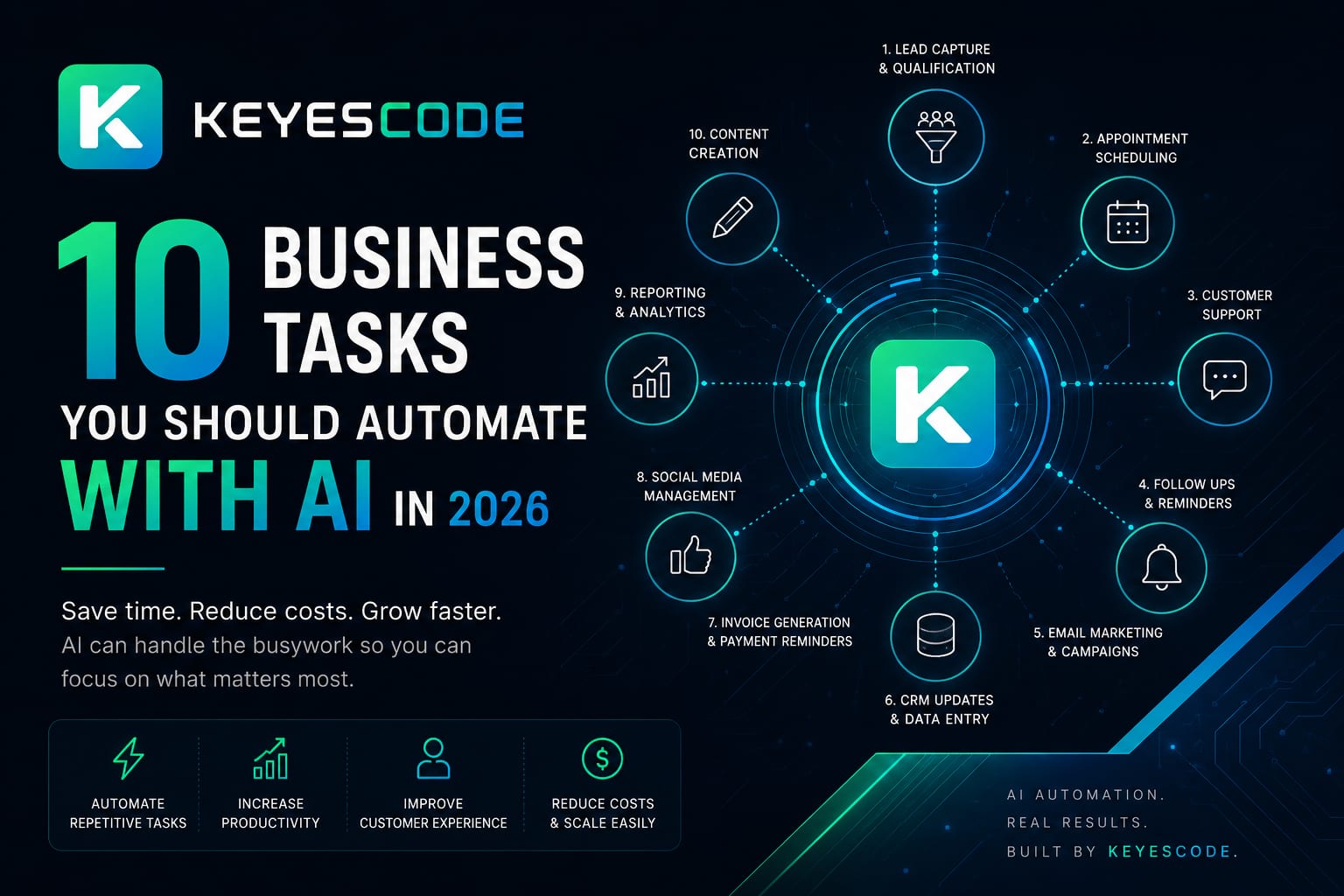
AI is past the novelty phase. In 2026, the lowest-risk, highest-return automations are repeatable, rules-adjacent workflows that combine your data with modern language, vision, and planning models. If your team still spends hours per week on the tasks below, you’re leaving money on the table—and introducing avoidable errors.
This guide names the 10 business tasks worth automating now, the KPIs to track, risks to avoid, and the practical stack that gets you to value quickly. When you need help scoping, building, and governing these systems, KeyesCode can partner with you across discovery, pilots, and production at https://www.keyescode.com/services/ai and https://www.keyescode.com/services/ai-consulting.
How to choose what to automate first
Start where volume is high, decisions are bounded, and the output can be reviewed or measured.
- Direct answer: Prioritize tasks with high frequency, clear inputs/outputs, and low-to-moderate risk. Tie each pilot to a single KPI and a 30–90 day payback target.
- Rule of thumb: Automation Score = (Volume per month) × (Minutes per item) × (Error cost factor 0–1). Start with the top three.
- Guardrails: Use retrieval from your own docs and systems, human-in-the-loop for edge cases, and audit logs. Keep sensitive data scoped and encrypted.
KeyesCode’s approach: a two- to three-week discovery to map current state, data availability, and quick wins; then a six- to eight-week pilot. See examples in our portfolio at https://www.keyescode.com/portfolio.
1) Customer support triage and answers
- Do this: Automate first response, routing, and answers for common tickets across chat, email, and portal.
- Why it pays: Teams typically deflect 30–60% of repeats and cut first response time to seconds.
- How it works: A retrieval-augmented bot indexes your knowledge base, product docs, and past resolutions, drafts an answer with citations, and either sends it or asks an agent to approve.
- Stack: Help desk (Zendesk, Intercom), vector index of your content, an LLM with function-calling, and escalation rules. Observability to track accuracy and handoffs.
- KPIs: First response time, one-touch resolution rate, deflection rate, CSAT for bot-resolved tickets.
- Risks: Hallucinations and outdated content. Fix with strict grounding to your docs, confidence thresholds, and automated doc freshness checks.
KeyesCode builds grounded support agents with audit trails and safe tool use, integrating with your existing help desk and docs. Learn more: https://www.keyescode.com/services/ai and https://www.keyescode.com/services/custom.
2) Sales outreach and lead qualification
- Do this: Personalize outbound sequences and score inbound leads automatically; book meetings without rep intervention for clear fits.
- Why it pays: Reps spend more time on discovery and closing. Expect improved reply rates and more qualified calls per week.
- How it works: AI drafts emails and LinkedIn messages using persona, firmographics, and CRM history; routes replies; qualifies with a short Q&A; and writes notes to CRM.
- Stack: CRM (HubSpot/Salesforce), inbox integration, enrichment APIs, LLM for personalization, sequencing tool, calendar booking.
- KPIs: Positive reply rate, meetings booked per 100 leads, qualified pipeline created.
- Risks: Compliance (consent, opt-out), brand voice drift. Enforce approved templates and review loops for new segments.
KeyesCode connects multi-agent outreach to your CRM with tight governance and reporting. See our SaaS and integration work: https://www.keyescode.com/services/saas.
3) Document intake and processing (invoices, POs, contracts)
- Do this: Extract fields, validate, and route documents without manual entry.
- Why it pays: Cut cycle times from days to hours and reduce error-induced rework.
- How it works: Vision+LLM models read PDFs and images, extract structured fields, cross-check against your ERP or policy rules, and create or update records.
- Stack: Secure file ingest, OCR/vision model, LLM-based extraction with validators, business rules engine, ERP/finance system integration.
- KPIs: Touchless processing rate, extraction accuracy, cycle time, exceptions per 1,000 docs.
- Risks: Handling edge layouts and poor scans. Solve with layout-aware models, confidence thresholds, and human review queues.
KeyesCode implements intelligent document processing pipelines with governance, often paired with broader finance automation. Details: https://www.keyescode.com/services/custom and https://www.keyescode.com/services/cloud.
4) Meeting and call summarization with CRM updates
- Do this: Auto-generate notes, action items, and next-step emails; log everything to CRM.
- Why it pays: Saves 15–30 minutes per meeting and improves pipeline hygiene and follow-through.
- How it works: A meeting bot or call recorder produces structured summaries, extracts risks and objections, and proposes tasks; a human approves and it syncs to the right records.
- Stack: Calendar/meeting platform, call recording with transcription, LLM summarizer tuned to your template, CRM write-back, task tool integration.
- KPIs: Adoption rate, time saved, CRM completeness score, follow-up time.
- Risks: Consent and privacy. Always disclose recording and let users opt out. Respect role-based access.
KeyesCode ships meeting intelligence that respects your security posture and works across Zoom, Teams, and mobile. Explore: https://www.keyescode.com/services/ai and https://www.keyescode.com/services/mobile.
5) Marketing content briefs and ad optimization
- Do this: Generate SEO briefs, outlines, and ad variants; repurpose webinars and user stories into multi-channel assets.
- Why it pays: Teams produce more high-quality content with less time and media spend.
- How it works: AI analyzes search intent and competitor pages to produce a brief; drafts stay on-brand via a style guide; ad variants are tested and iterated based on performance data.
- Stack: SEO and competitive data sources, style guide prompt library, LLM content planner, ad platform APIs for A/B tests, analytics feedback loop.
- KPIs: Content production cycle time, organic traffic to targeted pages, CAC for paid channels.
- Risks: Thin content and duplication. Keep humans in the loop for voice, facts, and differentiation.
KeyesCode helps teams move from “AI writes posts” to “AI powers the content supply chain,” tied to measurable demand. See: https://www.keyescode.com/services/ai and https://www.keyescode.com/services/ai-search-optimization.
6) AI site search and self-serve buying (GEO)
- Do this: Add an on-site AI assistant that answers product questions, compares plans, and guides to checkout—grounded in your docs and catalog.
- Why it pays: Lifts conversion and reduces support load by meeting buyers where they research.
- How it works: The assistant indexes your content and catalog, understands intent, and can call tools: check inventory, calculate pricing, or start a trial. It cites sources so users can verify.
- Stack: Your website/CMS, vector search over product content, LLM with tool use, checkout APIs, analytics for pass-to-human and conversion events.
- KPIs: Searches per session, assistant-assisted conversion rate, average order value, deflection from chat to purchase.
- Risks: Exposing pricing logic inadvertently. Scope tools and redact sensitive fields.
KeyesCode offers GEO (AI Search Optimization) to make your site answer-friendly and conversion-focused. Learn more: https://www.keyescode.com/services/ai-search-optimization and https://www.keyescode.com/services/ai.
7) Proposal and RFP response drafting
- Do this: Auto-assemble first drafts of proposals and RFP answers from your approved library and past wins.
- Why it pays: Gets you to a strong draft in hours, not days, and improves consistency.
- How it works: AI matches requirements to your content bank (case studies, security, pricing), fills gaps with prompts to SMEs, and formats per the buyer’s template.
- Stack: Content library with metadata, retrieval and de-duplication, LLM drafting with citation back to sources, approval workflow, e-sign.
- KPIs: Draft time, win rate for assisted proposals, SME time per proposal.
- Risks: Stale or noncompliant claims. Require source citations and legal review gates.
KeyesCode can centralize your proposal knowledge and connect it to a drafting agent with proper governance. See our client outcomes: https://www.keyescode.com/portfolio.
8) Demand forecasting and inventory alerts
- Do this: Blend time-series forecasting with supplier risk signals to set smarter reorder points and promotions.
- Why it pays: Fewer stockouts and lower carrying costs.
- How it works: Models learn seasonality and promotions; LLMs summarize supplier communications and disruptions; the system recommends orders or alerts planners.
- Stack: Data warehouse, ETL from sales/ERP, forecasting models, LLM summarization for unstructured inputs, planning tool integration, what-if simulator.
- KPIs: Stockout rate, forecast error (MAPE), inventory turns, working capital.
- Risks: Overfitting to anomalies; ensure backtesting and human override.
KeyesCode builds cloud-native data pipelines and forecasting services that plug into your stack. Explore: https://www.keyescode.com/services/cloud and https://www.keyescode.com/services/custom.
9) Finance back office: AP/AR and expense audits
- Do this: Auto-approve routine invoices, flag risky expenses, and draft collections emails tailored to the customer context.
- Why it pays: Faster close, fewer write-offs, and tighter controls without adding headcount.
- How it works: Combine document extraction, policy rules, vendor matching, and anomaly detection; AI drafts reminders in the right tone with payment links.
- Stack: IDP pipeline, rules engine, ERP connectors, anomaly detection models, communication templates, payment gateway integration.
- KPIs: DSO, on-time payments, exception rate, close time.
- Risks: False positives that annoy good customers. Tune thresholds and exclude strategic accounts.
KeyesCode delivers finance automations with audit trails and segregation of duties. Details: https://www.keyescode.com/services/custom and https://www.keyescode.com/services/ai.
10) Hiring and onboarding workflows
- Do this: Screen and rank applicants, schedule interviews, answer candidate FAQs, and generate tailored onboarding checklists.
- Why it pays: Shorter time-to-hire and a better candidate experience with fewer dropped balls.
- How it works: AI extracts skills from resumes, matches to job criteria, flags promising non-traditional candidates, coordinates calendars, and preps interview kits.
- Stack: ATS integration, LLM-based screening with bias controls, scheduling APIs, onboarding portal, policy Q&A bot for new hires.
- KPIs: Time-to-slate, time-to-offer, candidate satisfaction, onboarding task completion.
- Risks: Fairness and compliance. Use bias audits, transparent criteria, and explicit consent.
KeyesCode helps HR teams automate responsibly with strong governance and access controls. Learn more: https://www.keyescode.com/services/ai-consulting and https://www.keyescode.com/services/ai.
What a 90-day AI automation rollout looks like
- Weeks 1–2: Discovery and KPI alignment
- Pick 1–2 tasks from the list with clear ROI. Map processes, edge cases, and systems. Confirm data access. Define success metrics and review gates.
- Weeks 3–6: Pilot build
- Stand up a secure environment. Index relevant docs or connect data sources. Build the agent or workflow with human-in-the-loop. Instrument analytics.
- Weeks 7–8: UAT and training
- Run with a subset of users. Capture failures. Update prompts, tools, and guardrails. Produce playbooks and change management material.
- Weeks 9–12: Production rollout
- Gradually expand coverage. Add automation for the top 20% of edge cases. Formalize ownership and SLAs. Compare KPI movement to baseline.
KeyesCode follows this cadence and leaves you with maintainable systems—code, configuration, dashboards, and runbooks. If you prefer a managed solution, we can host and operate it. See how we work at https://www.keyescode.com/services/ai and https://www.keyescode.com/services/saas.
The practical stack for 2026
- Models: Use capable, audit-friendly language and vision models with tool use. Favor providers that support enterprise controls and data residency.
- Retrieval: Keep a fresh index of your docs, product data, and tickets. Automate recrawls and archive stale content.
- Orchestration: Use workflows or lightweight agents to decide when to retrieve, call tools, or escalate to humans.
- Data and integrations: Connect to CRM, ERP, help desk, ATS, and your data warehouse. Log every decision with metadata for audits.
- Observability: Track accuracy, latency, deflection, and human-edit rates. Capture both successes and failure traces.
- Security: Encrypt at rest and in transit, restrict PII access, and red-team prompts. For mobile or field apps, consider on-device models when data cannot leave the device. KeyesCode supports cloud and edge architectures: https://www.keyescode.com/services/cloud and https://www.keyescode.com/services/mobile.
Cost and ROI benchmarks to set expectations
- Pilot budgets: $15k–$75k per workflow depending on complexity, integrations, and review requirements.
- Ongoing costs: Model usage, monitoring, and maintenance—often 10–20% of the value delivered.
- Payback examples:
- Support deflection: A team handling 4,000 tickets/month can save 200–400 agent hours monthly. At $35/hour fully loaded, that’s $7k–$14k/month.
- Document processing: 3,000 invoices/month × 4 minutes saved = 200 hours saved/month plus fewer errors and late fees.
- Sales assistance: A 1–2% lift in qualified meetings on a 10,000-lead quarter can be worth six figures in pipeline.
The takeaway: pick one task, tie it to a single KPI, and insist on a measured win before expanding.
Common pitfalls (and how to avoid them)
- Starting with vague goals: “Use AI” is not a requirement. Define the user, the trigger, the decision, and the KPI.
- Ignoring content hygiene: Outdated docs = outdated answers. Automate content freshness checks.
- Over-automation: Escalate anything low-confidence or high-impact. Keep humans in the loop.
- Hidden costs: Watch egress fees, model usage spikes, and brittle manual steps around the automation.
- Governance gap: Document prompts, tools, and datasets. Add approval gates. Review access regularly. KeyesCode’s AI consulting practice can set this up: https://www.keyescode.com/services/ai-consulting.
Ready to automate the right things?
If two or more of the tasks above are still manual in your business, you can unlock real savings in a single quarter. KeyesCode plans, builds, and supports AI agents and automations that integrate with your systems and meet your compliance needs—no black boxes, no hand-waving.
- Explore services: https://www.keyescode.com/services/ai, https://www.keyescode.com/services/custom, https://www.keyescode.com/services/saas, https://www.keyescode.com/services/cloud, https://www.keyescode.com/services/mobile, and https://www.keyescode.com/services/ai-search-optimization
- See recent work: https://www.keyescode.com/portfolio
- Start a conversation: https://www.keyescode.com/contact or book time at https://www.keyescode.com/schedule
Want this kind of result for your business?
We'll audit your site for conversion gaps and suggest 2–3 AI integrations you could ship in 30 days. No pitch, no pressure.