AI Automation for Small Business in Tampa: A Practical Guide
What to automate first, what it costs, and how fast you’ll see ROI for Tampa small businesses adopting AI. Includes a 30-60-90 plan, tool stack, and pitfalls to avoid.
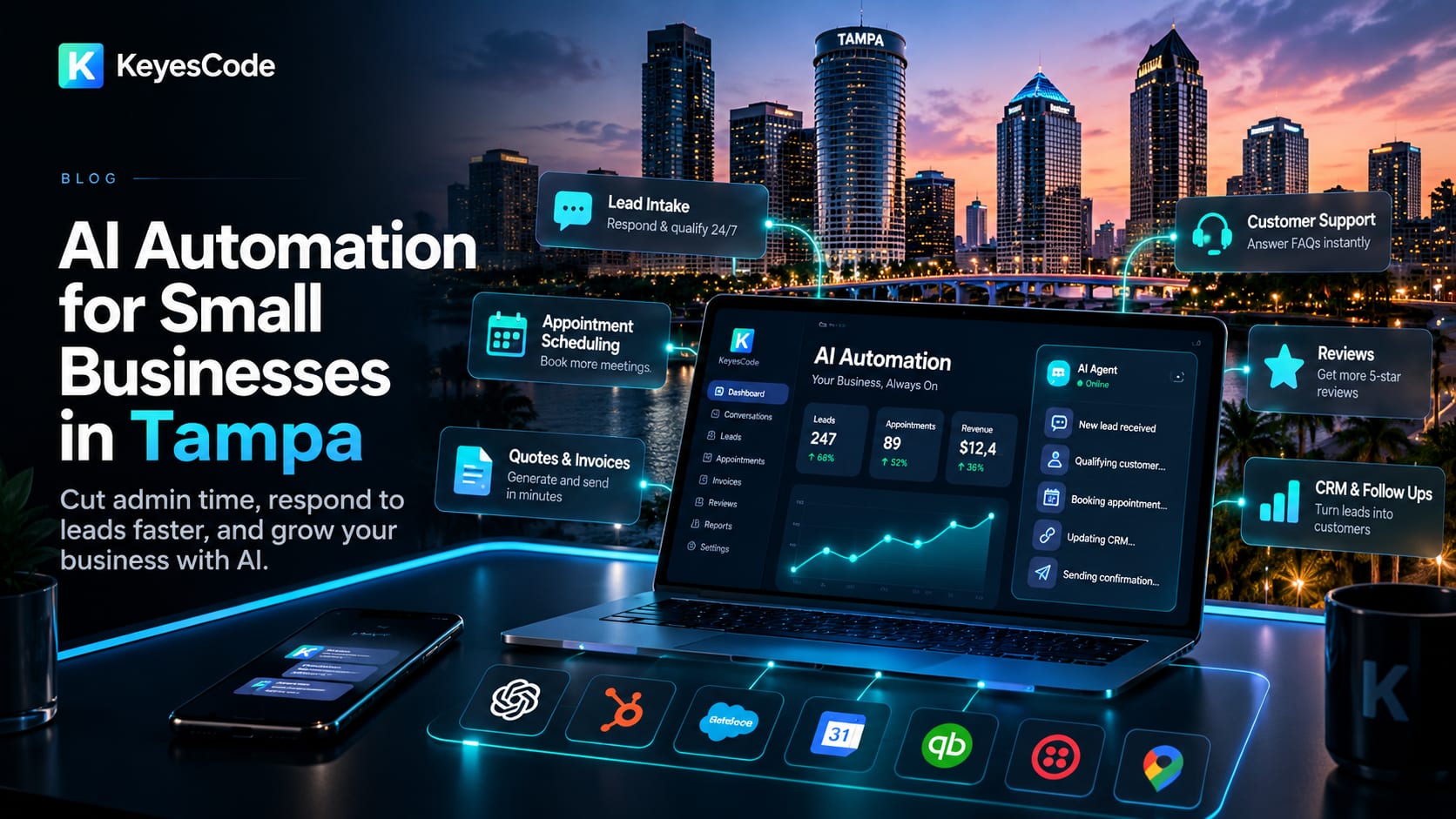
If you run a small business in Tampa, AI automation can cut admin time, respond to leads faster, and improve margins without adding headcount. The short answer: start with customer-facing workflows and back-office busywork you already do every day. In weeks—not months—you can stand up practical automations that pay for themselves.
Below, you’ll find what to automate first, realistic budgets, a 30-60-90 day plan, data safeguards, and examples relevant to Tampa’s most common small-business sectors. If you searched “ai automation for small business tampa,” this guide is written for you.
What “AI automation” means for a Tampa small business
- The fastest wins are at the edges of your day: lead intake, scheduling, quoting, invoicing, customer support, and review follow-ups.
- AI assists your team—think co-pilots and bots that draft, summarize, route, and trigger actions in your systems. Humans stay in the loop for approvals and exceptions.
- You don’t need to rebuild everything. You can layer AI on top of your current stack (Google Workspace/Microsoft 365, QuickBooks, your CRM, phone system, and website) and expand as you see ROI.
At KeyesCode, we implement these layers using a mix of AI agents, no-code orchestration, and custom integrations. When off-the-shelf tools hit limits, we build targeted software to fill gaps (see https://www.keyescode.com/services/ai and https://www.keyescode.com/services/custom). Our AI and business automation in Tampa page covers what we automate for local businesses and how long it takes.
High-ROI automations Tampa small businesses can deploy first
Start with bottlenecks you can measure. These are the top use cases we see produce quick, clear ROI:
- Lead intake and qualification
- Auto-respond to web forms, chat, texts, and emails within seconds, ask a few qualifying questions, and book a consult. Sync to your CRM with source tracking.
- Quote and proposal drafting
- Pull line items from past deals and price lists, draft a first-pass estimate, and route to a manager for approval. Send as a branded PDF within minutes.
- Appointment scheduling and reminders
- Offer real-time availability, confirm appointments by SMS/email, and reduce no-shows with smart reminders and rescheduling links.
- CRM enrichment and follow-up sequences
- Enrich contacts with public data, score leads, and trigger tailored follow-ups based on buyer intent signals.
- Support triage and knowledge responses
- Classify inbound requests, answer routine FAQs with your policies, and escalate edge cases to humans with summaries.
- Invoicing and collections nudges
- Generate invoices, reconcile payments, and send polite, context-aware reminders that reduce Days Sales Outstanding.
- Review requests and reputation management
- Identify happy customers and send timed review requests for Google, with AI-drafted responses to both positive and negative reviews.
- Inventory and field dispatch assists (for trades, retail, logistics)
- Forecast reorders from sales velocity and seasonality, and draft optimal tech routes based on traffic windows and SLAs.
We implement many of these with a blend of AI agents and your existing stack. See how we approach it at https://www.keyescode.com/services/ai and browse examples at https://www.keyescode.com/portfolio.
A local edge: make AI work with your Tampa presence
- Optimize for local search and lead capture. AI can turn your site and Google Business Profile into an always-on concierge that answers local questions (pricing ranges, service areas, Spanish/English support) and books appointments.
- Tie automations to Tampa realities: seasonal demand (hurricanes, summer tourism, Gasparilla weekends), traffic patterns, and neighborhood-specific service windows.
- Keep reputation management active. AI can route urgent reviews and social mentions to the right owner and draft on-brand, timely responses.
KeyesCode’s AI Search Optimization (GEO) helps businesses turn their content, FAQs, and inventory into structured answers search engines and AI-powered search can parse—leading to more qualified local traffic. Learn more: https://www.keyescode.com/services/ai-search-optimization.
Build vs. buy vs. partner: how to choose
- If you need simple workflow glue right now: start with no/low-code tools plus AI. Zapier/Make + your CRM + an LLM (OpenAI, Anthropic) can cover 60–80% of use cases at low cost.
- If you hit limits (complex routing, compliance, custom logic, proprietary data): add custom middleware or a lightweight internal app.
- If AI becomes core to your operations: consider a custom SaaS-style system tailored to your processes with robust logging, permissions, and analytics.
Typical budget ranges we see:
- Starter automations (no/low-code + light AI): $2,000–$8,000 setup + $200–$1,000/month in tools and support.
- Custom AI agents/integrations: $8,000–$40,000 for an MVP with 1–3 deep integrations.
- Ongoing managed automation: $1,000–$5,000/month depending on usage, seats, and change requests.
KeyesCode provides both quick wins and deeper builds across https://www.keyescode.com/services/ai, https://www.keyescode.com/services/ai-consulting, https://www.keyescode.com/services/saas, and https://www.keyescode.com/services/cloud. We’ll advise when an off-the-shelf tool is enough—and when custom is worth it.
Data, security, and compliance: what to get right early
- Keep sensitive data private. Use providers that support data isolation and don’t train on your prompts by default. For extra control, we can host models on private infrastructure (AWS/GCP/Azure) and use vector databases with strict access controls (see https://www.keyescode.com/services/cloud).
- Add human-in-the-loop and audit trails. Every automated action that sends a quote, charges a card, or changes a record should be reviewable.
- Respect industry rules. Healthcare (HIPAA), legal (client confidentiality), finance (GLBA/PCI), and education have extra requirements. We design guardrails, PII redaction, and role-based access by default.
- Log everything. Keep detailed execution logs for quality assurance, compliance, and troubleshooting.
A 30-60-90 day rollout plan that works
- Days 1–30: Discover and pilot
- Pick 1–2 use cases with clear KPIs (e.g., lead response time, no-show rate, invoice collection days).
- Connect to your systems (CRM, calendar, email, phone, QuickBooks). Stand up a pilot with a small team and guardrails.
- Measure baseline vs. pilot outcomes.
- Days 31–60: Harden and expand
- Add approval steps, better prompts, and edge-case handling. Train on your docs, FAQs, and policies.
- Expose the automation to a larger user group. Start dashboarding KPIs.
- Days 61–90: Scale and document
- Roll into production with alerting and incident playbooks.
- Document SOPs, ownership, and change control. Consider a second or third use case after you’ve proven ROI.
KeyesCode packages this as a blueprint + pilot. We facilitate workshops, build the pilot, and leave you with documentation—or stay on to manage and iterate (https://www.keyescode.com/services/ai-consulting).
The tech stack most Tampa SMBs already have (and how AI fits)
- CRM and marketing: HubSpot, Salesforce, Zoho, Mailchimp
- Communication: Google Workspace/Microsoft 365, Twilio, RingCentral
- Website and chat: WordPress/Webflow, Intercom, Drift, custom chat widgets
- Back office: QuickBooks, Stripe/Square, Calendly/Acuity, Zendesk/Freshdesk
- Models and AI services: OpenAI (GPT-4o), Anthropic (Claude 3.5), open-source models (Llama/Mistral) for private hosting
- Data and orchestration: vector DBs (Pinecone, Weaviate), serverless functions, Zapier/Make, or custom APIs
We integrate, not rip-and-replace. When a mobile or field app makes sense (e.g., techs capturing job photos or signatures), we build it (https://www.keyescode.com/services/mobile). When you outgrow spreadsheets, we turn that logic into a maintainable internal tool (https://www.keyescode.com/services/custom).
Three quick Tampa-focused scenarios
- Home services (HVAC, plumbing, roofing): AI answers after-hours inquiries, qualifies by ZIP code and urgency, and books the next slot. Dispatch gets a summary with photos and notes if available. Result: faster response, fewer missed jobs during storms or heat waves.
- Boutique law firm: Intake bot screens practice fit, gathers conflict details, and schedules consults. Drafts engagement letters from templates and pushes tasks to a case system with human approval. Result: attorneys focus on billable work.
- Retail/e-commerce: AI support triages returns and exchanges, checks order status, and offers store credit suggestions in chat and email. Inventory assistant flags fast-moving items before weekends and holidays. Result: faster support and better-stocked shelves.
See implementation patterns and outcomes in our work: https://www.keyescode.com/portfolio.
Avoid these common pitfalls
- Starting too big. Automate one measurable workflow, then expand.
- Skipping human-in-the-loop. Keep approvals on sensitive actions until you’ve built trust in the system.
- Poor data hygiene. Garbage in, garbage out—standardize fields, tags, and naming.
- No ownership or playbooks. Assign a business owner for each automation, plus escalation rules.
- Vendor lock-in. Favor modular designs: portable prompts, clear APIs, exportable data.
- Ignoring staff training. A 30-minute training with examples and edge cases saves weeks of frustration.
What it costs and how to estimate ROI
A simple way to pencil it out:
- Time savings: If a process takes 10 minutes and runs 30 times/day, that’s 300 minutes. At $25/hour fully loaded, that’s $125/day or ~$2,500/month. If automation saves 60% of that time, you free ~$1,500/month.
- Revenue lift: Faster lead response can increase close rates by 10–30%. If you close one more $2,000 job per month because you responded in 2 minutes instead of 2 hours, that’s meaningful.
- Tooling and support: Expect $200–$1,000/month for tools and $1,000–$5,000/month if you want a managed partner. Many clients see payback in 1–3 months for their first workflow.
We’ll help you build a simple ROI model during discovery so you can socialize the investment internally.
How KeyesCode approaches AI automation for Tampa small businesses
- Strategy first: We run a short discovery to map your processes, KPIs, and compliance needs. We say no to automating broken steps; we fix and streamline first.
- Pilot fast, then harden: We prioritize a use case that proves value in 2–6 weeks, with guardrails and clear success criteria.
- Integrate with your stack: We connect CRM, billing, phone, and website systems safely—and fill gaps with light custom builds when needed.
- Measure and manage: Dashboards, alerts, and change control so automations don’t become “black boxes.”
Explore our services and get a plan:
- AI & Automations: https://www.keyescode.com/services/ai
- AI Consulting: https://www.keyescode.com/services/ai-consulting
- GEO (AI Search Optimization): https://www.keyescode.com/services/ai-search-optimization
- SaaS & Custom Software: https://www.keyescode.com/services/saas and https://www.keyescode.com/services/custom
- Cloud & Infrastructure: https://www.keyescode.com/services/cloud
Ready to cut busywork, speed up response times, and grow profitably? Schedule a consult: https://www.keyescode.com/schedule or contact us at https://www.keyescode.com/contact. You can also reach us at contact@keyescode.com or (813) 743-0495.
Want this kind of result for your business?
We'll audit your site for conversion gaps and suggest 2–3 AI integrations you could ship in 30 days. No pitch, no pressure.