AI Agents Are Replacing AI Tools: What to Know in 2026
In 2026, businesses are shifting from single-use AI tools to autonomous AI agents that handle real work end to end. Here’s where agents fit, how to deploy them with context, and how KeyesCode builds them into your operations.
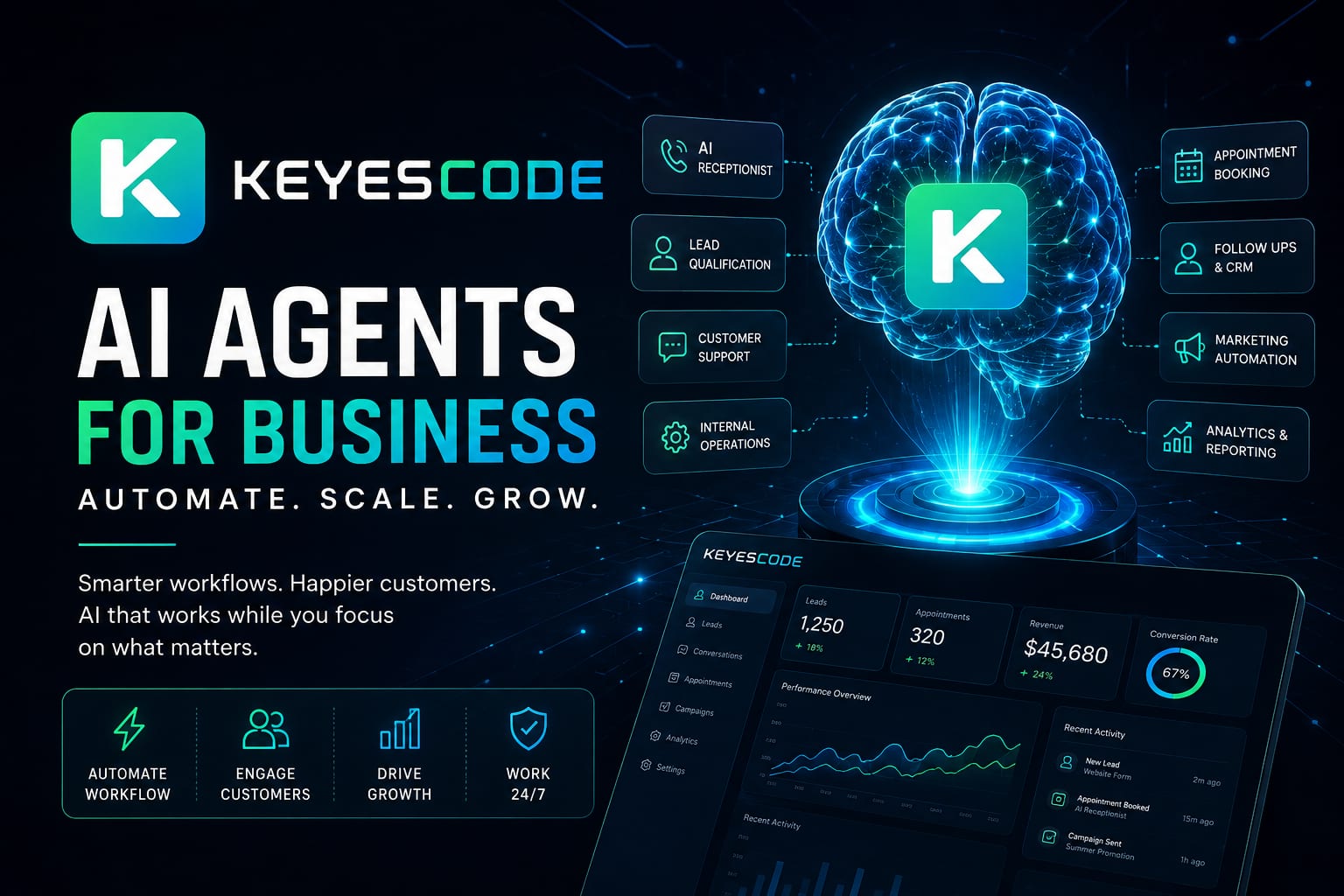
AI tools helped people draft emails and summarize reports. AI agents now do the work: they find qualified leads, write and send tailored outreach, log activity in your CRM, set follow-ups, and notify your team—without you clicking ten times per task. If you’re considering AI in 2026, the key question isn’t “Which tool?” It’s “Which agent handles this role, with what guardrails, and against which business systems?”
Below is a practical guide to where agents make sense today, how to wire them into your stack, where humans should stay in the loop, and how KeyesCode designs agents as part of real operations—not another tab in your browser.
AI tools vs. AI agents
The short answer: Tools assist; agents act. A tool drafts copy when asked. An agent owns an outcome and takes the steps to get there.
What that looks like:
- Tool: “Write a follow-up email.” You copy, paste, send, and update your CRM yourself.
- Agent: Monitors new leads, qualifies them, drafts a personalized email, gets approval if needed, sends from your domain, logs to your CRM, sets a task, and retries if there’s a bounce.
What makes an AI agent different:
- Autonomy: Operates on triggers and goals, not just prompts.
- Multi-step planning: Breaks work into tasks and adapts as it learns outcomes.
- Integrations: Uses tools—CRM, calendar, phone, chat, docs, billing—through secure APIs.
- Memory and context: Understands your brand, customers, and policies.
- Guardrails: Permissions, human approvals, and audit logs.
If you can describe a repeatable business outcome with clear inputs, systems, and rules, you can likely staff it with an AI agent.
Where businesses are deploying agents today
These roles are working in production today. Start where volume is high and rules are clear.
Receptionist and call routing
- Answer calls 24/7, capture intent, route or book appointments, and write call summaries to your CRM.
- Integrations: Voice API, calendar, CRM, ticketing, SMS/email.
Lead qualification and scoring
- Enrich inbound leads, score fit, respond immediately with the right next step, and hand warm leads to sales with context.
- Integrations: Forms/website, data enrichment, CRM, email, Slack.
Appointment scheduling
- Offer slots, resolve conflicts, send confirmations and reminders, and handle reschedules.
- Integrations: Calendar, CRM, teleconferencing, SMS/email.
Customer support (Tier 0/1)
- Resolve common issues from chat, email, or phone; escalate edge cases with a full case history.
- Integrations: Knowledge base, ticketing, order system, refund/returns, identity verification.
Sales follow-up and nurture
- Send personalized sequences based on behavior, keep CRM data fresh, and surface high-intent replies to reps.
- Integrations: CRM, email, marketing automation, analytics.
Marketing production and distribution
- Draft posts, resize assets, localize copy, publish to channels, and report performance.
- Integrations: CMS, design tools, social APIs, analytics.
Reporting and analytics
- Pull data across systems, generate weekly insights, flag anomalies, and recommend next actions.
- Integrations: BI/data warehouse, ad platforms, CRM, finance.
Internal operations
- Invoice matching, expense classification, vendor onboarding, compliance checklists, inventory alerts, and SOP enforcement.
- Integrations: ERP/accounting, procurement, HRIS, file storage.
KeyesCode builds these with your stack in mind, whether that’s HubSpot/Salesforce, Shopify, Stripe, Google Workspace/Microsoft 365, Zendesk/Intercom, or a custom system. See examples at https://www.keyescode.com/portfolio.
Why context makes or breaks business AI
The answer: Generic models don’t know your business. Useful agents do. Feed them the right context and restrict their scope.
Critical context sources:
- Services and pricing: Product catalog, tiering, exclusions.
- Customer data: CRM records, lifecycle stage, prior interactions.
- Brand voice: Style guide, tone boundaries, examples.
- Knowledge base and SOPs: How you actually handle scenarios.
- Website and marketing assets: Canonical descriptions and offers.
- Analytics and goals: KPIs, budgets, conversion targets.
How we wire in context:
- Retrieval-augmented generation (RAG) against trusted documents and your site.
- Function-calling to your systems for real-time facts (inventory, availability, SLAs).
- Role prompts and policies to keep outputs on-brand and compliant.
- Memory with expiration and auditability—agents remember what matters, not everything forever.
Guardrails that matter:
- Scopes and permissions per agent (read-only vs. write/send vs. admin).
- Approval thresholds (e.g., refunds over $100 require human OK).
- PII handling, encryption, and redaction.
- Observability: Every action logged and explainable.
If your pilot “chatbot” felt generic, it likely lacked real context and guardrails. Fixing that is often the difference between a demo and dependable automation. Explore how we handle this at https://www.keyescode.com/services/ai and https://www.keyescode.com/services/ai-consulting.
The rise of the AI employee
The idea: Don’t deploy one catch-all bot. Hire a team of AI employees—each with a role, KPIs, and tools.
Define each agent like a job description:
- Mission: The outcome it owns (e.g., “Book qualified demos”).
- Inputs: Triggers and data (new lead, call, ticket).
- Tools: Systems it can use (CRM, calendar, telephony, billing).
- Policies: What it can and cannot do; escalation rules.
- KPIs: Speed to first response, resolution rate, booking rate, accuracy.
Example “employees”:
- SDR Agent: Responds to inbound leads within minutes, qualifies, sequences follow-up, and books meetings.
- Support Agent Tier 1: Resolves FAQs, escalates edge cases with summaries.
- Marketing Ops Agent: Builds and schedules campaigns, maintains UTM hygiene, compiles performance reports.
- Finance AP Agent: Matches invoices to POs, flags discrepancies, and drafts vendor emails.
Why this works: You get specialization, clearer guardrails, easier debugging, and measurable ROI per role.
Human + AI workflows: where to keep people in the loop
Keep humans involved when stakes are high, judgment is nuanced, or brand risk is real.
Common patterns that work:
- Draft-approve-send: Agent drafts; humans approve above certain thresholds or for sensitive accounts.
- Escalation trees: Agent tries Tier 1 playbook, then routes with full context.
- Shadow mode: Agents observe and suggest before acting autonomously.
- Progressive autonomy: Expand privileges as accuracy and KPIs hold steady.
- Exceptions-first: Agent handles 80% automatically; humans focus on the 20% edge cases.
Put this in your UI:
- Queues for review/approve.
- Clear audit trails and rollback.
- One-click feedback to retrain prompts/RAG and improve policies.
The result isn’t “no humans.” It’s your people spending time on complex work while agents handle the busywork.
A day in a 2026 AI-powered small business
Phones answered 24/7: A voice agent greets callers by name, answers common questions from your knowledge base, books appointments, and sends a recap email with links.
Leads never go cold: Web form submissions get a personalized reply within minutes. The SDR agent enriches the lead, scores fit, books a demo if qualified, and pushes a summary to Slack.
Calendar coordination without back-and-forth: Prospects pick a time, the agent handles reschedules, and joins with a prepared agenda pulled from prior emails.
Marketing that doesn’t stall: Your marketing agent drafts a weekly newsletter from your latest posts, refreshes three evergreen social threads, localizes copy for two markets, and schedules it all.
Support that scales: Tier 1 issues get resolved quickly; complex tickets land with a full context pack (order history, prior chats, agent notes) so your rep can solve it fast.
Clean analytics and timely alerts: A reporting agent consolidates ad spend, pipeline, and revenue into a one-page weekly summary and flags anomalies—"CAC rose 18% week-over-week; main driver is CPC on Campaign A. Recommend pausing two ad sets."
Owners alerted, not interrupted: You get a morning digest and focused alerts: “Two VIP customers requested pricing changes; draft approvals waiting. Inventory for SKU 143 is low; reorder suggested.”
This is not science fiction. It’s the product of integrating agents with your website, CRM, calendar, communication tools, and data warehouse—then tuning guardrails.
How KeyesCode builds agents into your operations
Most vendors sell another isolated chatbot. KeyesCode starts with your workflows and systems, then designs agents as part of your stack.
Discovery and design
- Map your processes, SLAs, and KPIs.
- Identify high-ROI agent roles and approval thresholds.
- Deliver a system architecture and measurable rollout plan.
- Learn more: https://www.keyescode.com/services/ai-consulting
Context and data plumbing
- Centralize your knowledge base, SOPs, and brand voice.
- Implement RAG against your docs and website, and connect live systems for ground truth.
- Build secure permissions and observability.
Agent development and integration
- Implement specialized agents with role-specific prompts, tools, and policies.
- Integrate voice, email, chat, and scheduling.
- Connect to CRM, ticketing, ERP, and analytics via APIs.
- Relevant services:
- AI and automation: https://www.keyescode.com/services/ai
- AI Search Optimization (GEO): https://www.keyescode.com/services/ai-search-optimization
- SaaS platforms: https://www.keyescode.com/services/saas
- Mobile experiences: https://www.keyescode.com/services/mobile
- Cloud infrastructure: https://www.keyescode.com/services/cloud
- Custom software: https://www.keyescode.com/services/custom
Pilot, measure, and scale
- Start with one role in shadow mode, then expand autonomy.
- Track KPIs like response time, booking rate, resolution rate, accuracy, and revenue impact.
- Standardize what works; add new roles.
Handoff and governance
- Provide playbooks, dashboards, and escalation policies.
- Train your team and set up a continuous improvement loop.
We’re comfortable building on modern model providers and tool stacks, but we’re model- and vendor-agnostic so your design fits your risk profile and budget.
Costs, ROI, and common pitfalls
Costs to expect
- One-time implementation: Integration, context setup, agent logic, and testing.
- Platform and model usage: Scales with volume and complexity.
- Maintenance: Monitoring, updates to prompts/policies, new workflows.
ROI drivers
- Lead response time drops from hours to minutes.
- First-contact resolution rises for Tier 1 support.
- Calendar fill rate and show rate increase with consistent follow-up.
- Managers get better insight with automated reporting.
Pitfalls to avoid
- Tool sprawl: Many disconnected bots create chaos. Centralize orchestration.
- No context: Generic agents guess. Wire in your data and rules.
- Over-autonomy too fast: Start with approvals; earn trust with metrics.
- Weak observability: Log every action; make rollback easy.
- Compliance gaps: Protect PII, manage consent, and document decisions.
A good AI automation company will push you to measure outcomes and expand only when the data supports it.
A 90-day roadmap to your first agents
Weeks 0–2: Discovery
- Pick one role (e.g., inbound lead follow-up). Define success metrics and guardrails.
Weeks 3–4: Context and integration
- Connect CRM, calendar, email/voice, and your knowledge base. Set up RAG and permissions.
Weeks 5–8: Pilot in shadow mode
- Agent drafts and logs actions; humans approve and correct. Track accuracy and speed.
Weeks 9–10: Progressive autonomy
- Allow auto-send for low-risk cases; keep approvals for VIPs or high-dollar actions.
Weeks 11–12: Measure and scale
- Review metrics, tune policies, and expand to a second role (e.g., Tier 1 support or reporting).
KeyesCode can lead this end to end—from consulting to build-out to ongoing optimization—so you get results faster and avoid rework.
Choosing build vs. buy
- Buy when: The workflow is standard (e.g., simple booking or FAQ) and you can live with limited customization.
- Build or customize when: You need deep integrations, unique policies, or role-specific outcomes that off-the-shelf tools can’t handle.
- Hybrid often wins: Use proven components for voice, messaging, and analytics; customize the agent brain, context, and guardrails.
We routinely blend existing platforms with custom glue so you keep flexibility without reinventing the wheel. See approaches at https://www.keyescode.com/portfolio.
Final take
If your AI strategy is a collection of one-off tools, you’re leaving value on the table. Think in roles, not prompts. Start with one agent, wire in your context, set guardrails, and measure relentlessly. Once you prove ROI, add more “AI employees” the same way you would grow a team—deliberately and with clear responsibilities.
Want help scoping and launching your first agent? Schedule a consult: https://www.keyescode.com/schedule or contact us at https://www.keyescode.com/contact.
Want this kind of result for your business?
We'll audit your site for conversion gaps and suggest 2–3 AI integrations you could ship in 30 days. No pitch, no pressure.