AI Agents for Business in Tampa, Florida: Where They Deliver ROI
Thinking about AI agents for your Tampa business? Here’s where they pay off first—lead intake, customer service, scheduling, back-office ops—and what it costs, how to build it, and how to avoid the pitfalls.
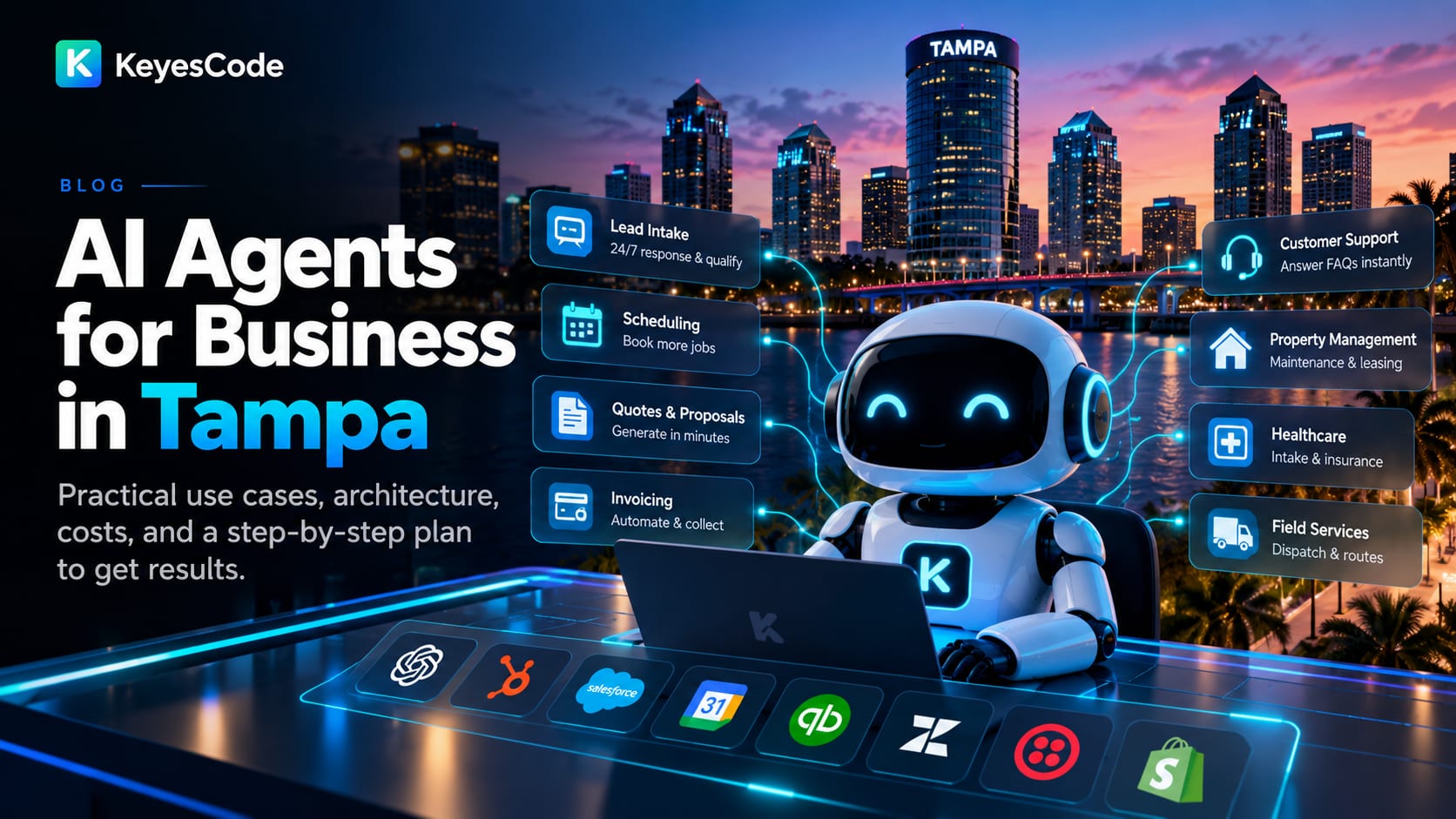
Tampa Bay businesses are asking a simple question: where do AI agents actually earn their keep? The short answer: AI agents shine when they handle repeatable, rules-friendly work with clear success criteria—think 24/7 lead intake, scheduling, ticket triage, invoice processing, and knowledge lookup. If you run a clinic, professional services firm, property management company, e‑commerce brand, field services outfit, or logistics operation in Tampa, there are practical wins you can deploy in weeks, not quarters.
Below is a practical guide to AI agents for business in Tampa, Florida: what they are, the best local use cases, architecture choices, costs and timelines, how to measure success, and how KeyesCode builds them responsibly.
What is an AI agent—and when should a Tampa business use one?
- Direct answer: An AI agent is software powered by large language models that can understand requests, take actions with your systems, and close the loop on a task. Use an agent when the task is high-volume, rules-based, and benefits from being available 24/7.
Agents are more than chatbots. A chatbot responds; an agent does. Modern agents can:
- Read emails, tickets, or forms; classify and prioritize.
- Retrieve answers from your documents and data.
- Take actions via your tools: create leads, schedule appointments, send quotes, update tickets, reconcile invoices.
- Escalate to a human when confidence is low or a rule is triggered.
Good first candidates for Tampa organizations:
- Lead intake and qualification for home services, legal, healthcare clinics, and real estate.
- Scheduling across SMS, web chat, and phone, tied into Calendly, Google Calendar, or EMR/booking systems.
- Customer support triage for e‑commerce and hospitality.
- Document-heavy back-office work: AP/AR, claims, contract review, vendor onboarding.
If you’re new to agents, start small: one process, one or two integrations, clear success metrics. KeyesCode helps teams do this through focused AI consulting and implementation under our AI practice. For how we work with local teams, see AI development in Tampa.
High-ROI use cases in Tampa’s core industries
- Direct answer: The highest near-term ROI in Tampa comes from agents that speed up revenue capture, cut support costs, and reduce manual admin. Here’s what’s working now by sector.
Healthcare clinics and medical offices
- After-hours intake/scheduling agent that verifies insurance, captures symptoms, and books slots within EMR rules.
- Prior authorization prep: extract data from PDFs, fill payer forms, summarize clinical notes for review.
- HIPAA-compliant knowledge assistant for staff: policies, benefits, coding lookups.
Property management and real estate
- Maintenance line voice agent: capture issue details, check warranties/SLAs, dispatch the right vendor, and follow up.
- Leasing assistant: answers common questions, schedules tours, pre-qualifies prospects against criteria.
- Document processing: extract terms from leases, validate against templates, flag exceptions for review.
Hospitality, tourism, and events
- 24/7 concierge via SMS/web/voice for FAQs, reservations, upsells, and directions.
- Group/event lead intake: qualify, assemble proposals from price sheets and inventory, route to sales.
Logistics and port-adjacent businesses
- Shipment status agent that unifies carrier APIs, EDI, and email updates into one answer across chat and voice.
- Document extraction for bills of lading, packing lists, customs forms; push structured data to TMS/ERP.
Home and field services
- Booking agent on your phone line, SMS, and website: qualifies jobs, prices from a rate card, schedules crews, updates ServiceTitan/Housecall Pro.
- Technician assistant on mobile: search SOPs, parts compatibility, and past job notes; draft job summaries and invoices.
Professional services (legal, accounting, IT)
- Intake and conflict checks from web forms and emails; file creation in practice management tools.
- Draft first-pass responses from knowledge bases; flag sensitive topics for partner review.
E‑commerce and retail
- Order support agent with Shopify/WooCommerce integration: status, returns, replacements, and policy-compliant decisions.
- Product Q&A assistant grounded in your catalog and policies; captures leads when out of stock.
For multilingual communities in Tampa, enable Spanish and Haitian Creole where appropriate. Voice agents can route by detected language and escalate to bilingual staff when needed.
Voice, chat, and email: which channel first?
- Direct answer: Start where you have the most volume and friction. For many Tampa SMBs, that’s phone and SMS. E‑commerce brands often start with web chat and email.
Channel considerations:
- Voice: Highest impact on after-hours coverage and inbound bookings; requires robust call flows and testing. Tools like Twilio/Zoom Phone integrate well.
- SMS: Great for confirmations, quick triage, and rescheduling. Ensure opt-in compliance.
- Web chat: Easiest to pilot; pair with proactive prompts on key pages.
- Email: Powerful for back-office triage and drafting replies with human approval.
KeyesCode implements omnichannel agents that share one brain but respect channel-specific rules, logging, and analytics. See our broader AI services and custom software capabilities for the integrations that make this work.
Build vs. buy: choosing the right approach
- Direct answer: If 80% of your need matches a reputable product, buy and integrate. If your process is unique, regulated, or revenue-critical, build or extend a custom agent.
When to buy:
- Commodity use case (basic chat deflection, generic scheduling).
- You can adapt workflows to the product’s constraints.
- You have limited IT support and want a quick start.
When to build or extend:
- Complex workflows with custom data and rules (e.g., port operations, healthcare intake).
- Deep integrations with ERP/CRM or legacy systems are required.
- You need strong auditability, approvals, and domain-specific guardrails.
KeyesCode often blends both: we integrate off-the-shelf tools, then add a custom orchestration layer or specialized agents to close gaps. This is classic “compose, don’t replace,” enabled by our cloud, SaaS, and custom development practices.
How modern agents work (and how we build them)
- Direct answer: Reliable agents combine an LLM with tools, your data, and deterministic workflows. We use a layered architecture to keep results accurate and auditable.
Common building blocks:
- Policy and workflow engine: Define steps, approvals, and escalation points that wrap the LLM.
- Retrieval-Augmented Generation (RAG): Ground the agent in your documents and data through a vector index. We optimize this with our AI Search Optimization (GEO) approach—clean content, consistent structure, and answerable metadata.
- Tooling and actions: Safe function calling to systems (CRM, EMR, ERP, booking, payments). Clear inputs/outputs reduce errors.
- Memory: Short-term context for a session; long-term logs for analytics and compliance.
- Guardrails: Content filters, PII masking, allow/deny lists, and deterministic checks before taking actions.
- Observability: Traces, cost and latency tracking, and feedback loops for continuous improvement.
We deploy to your preferred cloud with well-understood security patterns—see Cloud Infrastructure—and integrate mobile experiences for field teams through our Mobile practice.
Security, compliance, and risk management
- Direct answer: Treat agents like you would a new employee with system access. Least privilege, logging, and clear rules. For regulated data, use HIPAA-appropriate settings and vendors.
Key practices:
- Data governance: Encrypt in transit and at rest; store minimal sensitive data; segment environments.
- Model choice and privacy: Use providers with enterprise privacy controls (e.g., no training on your prompts). Consider Azure OpenAI/Google Vertex for stricter boundaries.
- PHI/PII handling: Mask by default; require human approvals before sending sensitive communications.
- Auditability: Keep prompt/response and action logs with redaction; maintain versioned policies.
- Adversarial testing: Red-team prompts; defend against prompt injection and tool abuse.
- Human-in-the-loop: Confidence thresholds and approval steps; always provide a manual handoff path.
What it costs and how long it takes
- Direct answer: Most Tampa SMB pilots land between $15k–$40k over 3–6 weeks. First production releases with deeper integrations typically run $40k–$120k over 6–12 weeks. Ongoing improvements and hosting are an operating expense.
Typical ranges we see:
- Pilot (single use case, 1–2 integrations): $15k–$40k, 3–6 weeks.
- Phase 1 production (2–3 integrations, monitoring, training): $40k–$120k, 6–12 weeks.
- Ongoing optimization, hosting, and model usage: $2k–$10k/month depending on volume and channels (voice is higher than chat).
- Product integration/“buy and extend”: $5k–$20k for configuration, data cleanup, and guardrails.
Costs vary by complexity, compliance needs, voice channel usage, and integration depth. We scope transparently and optimize for the smallest build that achieves the target KPI.
How to measure success (KPIs that matter)
- Direct answer: Pick 2–3 KPIs tied to dollars or time. Establish a baseline, then compare after launch.
Good KPIs by use case:
- Lead intake: Lead response time, qualified leads per week, conversion to appointment.
- Customer service: First response time, resolution rate, cost per ticket, CSAT.
- Scheduling: Bookings per day, no-show rate, average time to schedule.
- Back office: Hours saved per week, error rate, time to post/reconcile.
- Voice: Call containment rate (resolved without human), average handle time, abandonment rate.
Build dashboards and review weekly in the first month, biweekly afterward. KeyesCode instruments agents with traces and business KPIs so you can see where to iterate.
Voice agents done right: a quick checklist
- Direct answer: Treat voice like mission-critical IVR plus AI. Script fallbacks, test accents and noisy environments, and keep humans close at hand.
What we implement before go-live:
- Clear call flows and regulatory disclosures.
- Caller verification and safe data capture.
- Spanish routing and bilingual escalation for Tampa’s multilingual callers.
- Confidence thresholds and “Say ‘agent’ to talk to a person.”
- Business hours logic (after-hours, holidays, emergency paths).
- QA harness: synthetic test calls, real call reviews, and fast updates.
A 30-day plan to get started
- Direct answer: Pick one process, one team, and a weekly cadence. Ship a pilot in 30 days, then expand.
Week 1: Define and baseline
- Choose a single, measurable workflow (e.g., after-hours booking, order status).
- Document the happy path and 5 common edge cases.
- Set KPIs and success thresholds.
Week 2: Data and integrations
- Gather source docs and SOPs; convert to clean, structured content for robust retrieval (GEO best practices).
- Configure read-only integrations to CRM/ERP/EMR; plan write actions behind approvals.
Week 3: Build and test
- Implement the agent with guardrails, tool access, and escalation.
- Run scripted and real-user tests; tune prompts and retrieval.
Week 4: Soft launch and measure
- Launch to a subset of users or after-hours only.
- Monitor KPIs daily; fix top issues; prepare for broader rollout.
KeyesCode guides teams through this plan via AI Consulting and delivery across AI, Cloud, SaaS, Mobile, and Custom Software. Explore outcomes in our portfolio.
Common pitfalls (and how to avoid them)
- Direct answer: Don’t skip your data cleanup, guardrails, or success metrics. Start too big and you’ll stall.
Avoid these mistakes:
- Vague goals: “Use AI” is not a project. Tie to a KPI.
- Unprepared data: Messy docs lead to hallucinations. Normalize content and metadata first.
- No human-in-the-loop: Agents need approvals and safe fallbacks, especially early on.
- Over-automation: Keep humans for complex, emotional, or high-risk cases.
- Ignoring change management: Train staff on when to trust, when to take over, and how to give feedback.
- One-and-done: Agents improve with data; plan for weekly iteration at launch.
Why Tampa businesses work with KeyesCode
- Direct answer: We build agents that ship fast, integrate deeply, and earn trust. Our approach is pragmatic—start with the smallest system that moves your KPI, then expand.
How we work:
- Discovery and process mapping with your frontline team.
- Architecture that blends LLM reasoning with deterministic workflows and your tools.
- Secure cloud deployment and observability so you can see cost, accuracy, and outcomes.
- Human-in-the-loop design and clear escalation to your staff.
- Ongoing optimization grounded in real metrics, not novelty.
Relevant services and links:
- AI and agents: https://www.keyescode.com/services/ai
- AI Consulting: https://www.keyescode.com/services/ai-consulting
- AI Search Optimization (GEO): https://www.keyescode.com/services/ai-search-optimization
- SaaS and platform builds: https://www.keyescode.com/services/saas
- Mobile (field tools): https://www.keyescode.com/services/mobile
- Cloud infrastructure: https://www.keyescode.com/services/cloud
- Custom integrations: https://www.keyescode.com/services/custom
- Portfolio: https://www.keyescode.com/portfolio
Whether you’re piloting a booking agent for a Tampa clinic, automating property maintenance calls, or unifying shipment status across carriers, the playbook is the same: pick a needle you can move, build with guardrails, measure, and improve.
Ready to see where an agent pays off first for your team? Schedule a working session with KeyesCode at https://www.keyescode.com/schedule or reach out at https://www.keyescode.com/contact.
Want this kind of result for your business?
We'll audit your site for conversion gaps and suggest 2–3 AI integrations you could ship in 30 days. No pitch, no pressure.