AI Agent Development in Tampa: A Practical Guide for Local Businesses
Thinking about AI agent development in Tampa? Here’s a practical guide to use cases, architecture, costs, ROI, and a 4‑week pilot plan—built for decision‑makers.
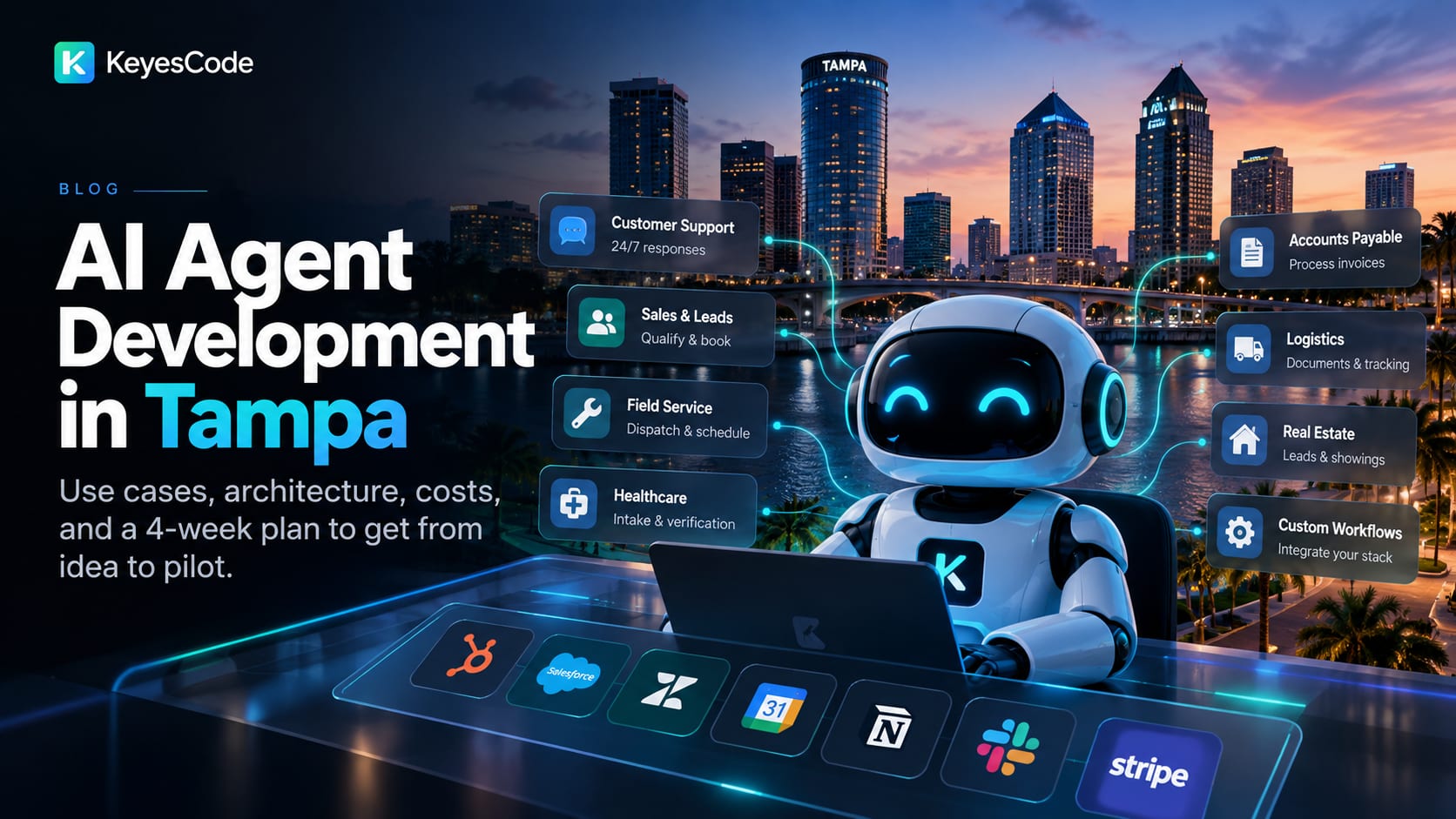
AI agent development in Tampa is no longer a lab experiment—it’s a pragmatic path to cutting costs, speeding up operations, and serving customers better. Whether you run a hospitality brand near the Riverwalk, a healthcare group, a logistics company tied to Port Tampa Bay, or a fast-growing SaaS startup, the core playbook is the same: start small, integrate deeply, measure ruthlessly, and scale what works.
This guide covers where AI agents deliver ROI for Tampa-area organizations, how to architect them responsibly, budget ranges to expect, risks to manage, and a 4‑week plan to go from idea to pilot. Along the way, we’ll show how KeyesCode approaches agent projects across AI consulting, custom software, and cloud infrastructure.
What an AI agent is (and isn’t)
Direct answer: An AI agent is a software system that uses a language model to understand goals, fetch the right data, call tools and APIs, and act—often with human review. It’s not just a chatbot.
Why that matters: Chatbots answer questions; agents get work done. They book appointments, draft and send emails, update CRMs, reconcile invoices, triage tickets, and follow multi‑step procedures based on your rules.
Core capabilities you should expect:
- Goal orientation: Accepts objectives, not just prompts.
- Tool use: Calls your APIs (CRM, ERP, EHR, help desk, payment gateways) to take action.
- Context retrieval: Pulls accurate data via retrieval‑augmented generation (RAG) from your docs, databases, and knowledge bases.
- Memory and state: Remembers steps in a workflow, not just single messages.
- Guardrails and review: Respects permissions, logs actions, and hands off to humans when uncertain.
Why Tampa businesses should care now
- Direct answer: Labor constraints, seasonal demand swings, and customer expectations make Tampa a prime market for AI agents that automate repetitive work and accelerate response times.
Local context that favors adoption:
- Hospitality and tourism: High inquiry volume and seasonality benefit from 24/7 customer support agents and concierge workflows.
- Healthcare and life sciences: Intake, scheduling, and coding assistance with HIPAA‑aware safeguards reduce staff burden.
- Logistics and marine: Dispatching, documentation, and vendor coordination tied to Port Tampa Bay see fewer errors and faster throughput.
- Real estate and property management: Lead qualification, showings scheduling, and tenant support deflect routine tasks from staff.
- Growth‑stage startups: RevOps and customer success automations shorten sales cycles and improve onboarding.
KeyesCode helps Tampa teams identify the highest‑ROI workflows first, then integrates agents into your stack—CRM, ticketing, EHR/EMR, property management systems, or finance tools—so value shows up in real metrics, not demos. See our AI development company in Tampa page for how we scope and build agents locally, or explore our services at https://www.keyescode.com/services/ai and https://www.keyescode.com/services/ai-consulting.
7 high‑ROI AI agent use cases for Tampa
- Direct answer: Start where data is accessible, tasks are repeatable, and KPIs are easy to measure. Here are proven patterns we deploy first.
- Customer support triage (hospitality, attractions, B2C)
- What it does: Classifies tickets, answers common questions from your knowledge base, and routes complex cases to the right agent.
- Stack: RAG over your FAQ and policy docs + help desk tool APIs (Zendesk, Freshdesk) + deflection metrics.
- KPI: 30–60% deflection on tier‑1 tickets, faster first response times, and improved CSAT.
- Sales concierge and lead qualification (B2B, real estate)
- What it does: Engages inbound leads, qualifies against your ICP or property criteria, checks calendar availability, and books meetings.
- Stack: CRM integration (HubSpot, Salesforce), calendar APIs, and compliance logging.
- KPI: Time‑to‑first‑touch, booking rate, and pipeline velocity.
- Field service dispatch (HVAC, marine, facilities)
- What it does: Parses inbound requests, checks technician skills/availability, estimates parts and travel time, and proposes schedules.
- Stack: FSM tool integration (ServiceTitan, Jobber), geocoding, and cost estimators.
- KPI: First‑time fix rate and average time to dispatch.
- Healthcare intake assistant (clinics, specialty practices)
- What it does: Guides patients through pre‑visit questions, verifies insurance, summarizes answers for staff, and flags missing info.
- Stack: EHR integration via FHIR, insurance APIs, PHI redaction, consent and audit trails.
- KPI: Intake time, no‑show reduction, and staff hours saved—all under HIPAA safeguards.
- Accounts payable automation (multi‑location retail, hospitality)
- What it does: Extracts invoice data, matches POs, flags exceptions, drafts approvals, and posts entries.
- Stack: OCR + LLM verification, ERP/AP systems (NetSuite, QuickBooks, Sage), approval workflows.
- KPI: Cycle time, exception rate, and discount capture.
- Logistics document agent (port‑adjacent operations)
- What it does: Creates, validates, and routes standard documents (BOLs, delivery receipts), checks status, and updates partners.
- Stack: RAG over templates/policies + EDI/API connections.
- KPI: Error rate and turn time.
- Safety and storm‑response assistant (facilities, property management)
- What it does: Monitors alerts, drafts action checklists, coordinates notifications, and logs actions for compliance.
- Stack: Weather APIs, communication tools, checklists, and incident management systems.
- KPI: Response time and completion rate on critical tasks.
See how we tailor agents to industry constraints in our portfolio: https://www.keyescode.com/portfolio
Build vs. buy: how to decide in Tampa’s market
- Direct answer: Buy when workflows are standard and the vendor integrates with your core systems; build when your process or data is unique and a differentiator.
Choose off‑the‑shelf if:
- Your use case is common (FAQ bots, basic triage) and the tool fits your help desk/CRM.
- Compliance exposure is low and data can live in the vendor’s cloud.
- “Good enough” gets you ROI without deep customization.
Choose custom with KeyesCode if:
- Your workflow is nuanced (multi‑system approvals, regulated data) and is core to your advantage.
- You need private RAG over proprietary docs and databases.
- You require rigorous controls (role‑based access, audit trails, PHI/PII handling) and on‑prem or VPC deployment.
We often combine both: start with a capable vendor tool, then add a custom agent that handles your top two bespoke workflows. Learn more about our custom builds at https://www.keyescode.com/services/custom and SaaS development at https://www.keyescode.com/services/saas.
A trustworthy technical architecture
- Direct answer: Favor a modular stack—best‑fit LLM, private retrieval layer, explicit tool/permission model, and strong observability—so you can swap components as the market evolves.
Recommended components:
- Language model layer: OpenAI (GPT‑4.1/GPT‑4o), Anthropic (Claude 3.5), or Google Gemini for hosted options; consider open‑source (Llama 3.x) for data‑residency or cost control.
- Retrieval‑augmented generation (RAG): Vector database (Pinecone, Weaviate, or Postgres/pgvector) with document chunking, embeddings, and metadata filters. Sync from SharePoint, Google Drive, Confluence, and databases.
- Orchestration and state: LangChain/LangGraph, LlamaIndex, OpenAI Assistants API, or Semantic Kernel to coordinate tools, memory, and multi‑step workflows.
- Tooling and integrations: REST/gRPC adapters to your CRM, ERP, EHR, ticketing, calendars, email, and payment systems. Strict RBAC on tool calls.
- Guardrails and safety: Prompt injection defenses, schema‑validated outputs, allow‑lists for tools, content filters, and configurable confidence thresholds for human review.
- Observability: Tracing (LangSmith, OpenTelemetry), cost and latency telemetry, prompt/version control, and incident alerting.
- Deployment: VPC on AWS, Azure, or GCP; data residency aligned to your compliance needs. We handle cloud setups at https://www.keyescode.com/services/cloud.
Security and compliance notes:
- PHI/PII handling: Select HIPAA‑eligible services where required, encrypt in transit and at rest, redact or mask where possible, and maintain audit logs.
- Vendor risk: Review sub‑processors and DPAs, set data‑retention policies, and disable model training on your prompts where available.
- Permissions: Enforce least privilege for every tool call. Consider per‑customer data silos.
A 4‑week plan to launch an agent pilot
- Direct answer: Prove value in 30 days with a tightly scoped workflow, live integrations, and measurable KPIs. Then decide whether to operationalize.
Week 0–1: Discovery and definition
- Map the workflow: Inputs, decisions, systems touched, and success criteria.
- Data audit: What documents, tables, and APIs are needed? What’s missing?
- Baseline metrics: Current handle time, error rate, backlog, or conversion rate.
- Pilot scope: 1–2 tasks, 1 team, 1 data source, limited user group.
Week 2: Prototype
- Build RAG over the most relevant docs/data.
- Wire 1–2 tools (e.g., CRM lookup + ticket update).
- Create prompts and policies (confidence thresholds, escalation rules).
- Test with real but limited data; collect traces.
Week 3: Hardening and integration
- Add authentication, RBAC, and audit logging.
- Improve retrieval quality (chunking, metadata, re‑ranking).
- Introduce human‑in‑the‑loop reviews and feedback UI.
- Establish monitoring for quality, cost, and latency.
Week 4: Pilot and decide
- Run for a subset of users or customers.
- Measure KPIs vs. baseline.
- Document edge cases and failure modes.
- Go/no‑go on rollout, plus backlog for v2.
KeyesCode runs this playbook end‑to‑end with Tampa teams—pairing product thinking with engineering. Explore AI consulting at https://www.keyescode.com/services/ai-consulting.
What it costs (and how to model ROI)
- Direct answer: Expect $10k–$40k for a pilot and $50k–$250k for productionizing, plus ongoing cloud/model costs tied to usage. ROI typically comes from time saved, improved conversion, or reduced errors.
Budget ranges (ballpark):
- Pilot (4 weeks): $10k–$40k depending on complexity, integrations, and compliance.
- Production build: $50k–$250k depending on number of workflows, systems, and SLAs.
- Ongoing: Model tokens, vector DB storage, tracing/monitoring, and cloud infra; from low hundreds to several thousand per month as volume grows.
ROI model checklist:
- Support triage: Deflection rate × average handle time × loaded hourly cost.
- Sales concierge: Increase in booked meetings × close rate × average deal size.
- AP automation: Cycle‑time reduction + error reduction × cost per error.
- Field dispatch: Faster scheduling × reduced overtime/roll‑truck events.
Simple example: If an agent deflects 800 tickets/month at 8 minutes each and your blended support cost is $30/hour, that’s 800 × (8/60) × $30 ≈ $3,200/month in time saved—$38k/year before factoring CSAT lift or reduced churn.
Risks and how to mitigate them
- Direct answer: Most failures stem from unclear scope, weak data quality, and missing guardrails. Tackle these early.
Common pitfalls and fixes:
- Hallucinations: Use strict RAG with citations; require confidence thresholds and human review for irreversible actions.
- Poor retrieval: Invest in data cleanup, metadata, and evaluation; avoid dumping entire wikis without structure.
- Tool abuse: Apply allow‑lists, output schemas, and RBAC; log every tool call with inputs/outputs.
- Hidden costs: Track token usage, cache frequent prompts, and choose model tiers wisely.
- Change management: Train staff, communicate hand‑offs, and keep a clear “break glass” path to humans.
- Compliance gaps: Map data flows, sign BAAs where necessary, and limit PHI/PII exposure.
KeyesCode builds these controls into our agents from day one and documents them for your security review.
How KeyesCode approaches AI agent development for Tampa teams
- Direct answer: We start with business outcomes, build on your data and systems, and deliver in small, auditable increments.
What to expect working with us:
- Discovery with operators: We shadow real workflows to find leverage points.
- Architecture you can own: Clear components, versioned prompts, and IaC for cloud.
- Pragmatic model choices: We benchmark models on your tasks for quality, latency, and cost.
- Integration muscle: Clean adapters to your CRM/ERP/EHR and internal tools.
- Governance: RBAC, audit logs, and evaluation harnesses from the first prototype.
- Delivery cadence: Weekly demos, KPI dashboards, and a hard “pilot decision” at week four.
Related services:
- AI and automation: https://www.keyescode.com/services/ai
- AI consulting: https://www.keyescode.com/services/ai-consulting
- AI Search Optimization (GEO) to make your agents findable and your content discoverable: https://www.keyescode.com/services/ai-search-optimization
- SaaS platforms: https://www.keyescode.com/services/saas
- Mobile apps when you need field‑ready UIs: https://www.keyescode.com/services/mobile
- Cloud infrastructure and DevOps: https://www.keyescode.com/services/cloud
- Custom software integrations: https://www.keyescode.com/services/custom
Getting started: one workflow, four weeks
If you’re exploring AI agent development in Tampa, pick one workflow with clear KPIs and accessible data. We’ll help you scope it, build a guarded prototype, and pilot with your team—then either scale it or move on to the next highest‑ROI process.
Ready to put an agent to work? Schedule a no‑pressure consult at https://www.keyescode.com/schedule or contact us at https://www.keyescode.com/contact.
Want this kind of result for your business?
We'll audit your site for conversion gaps and suggest 2–3 AI integrations you could ship in 30 days. No pitch, no pressure.